


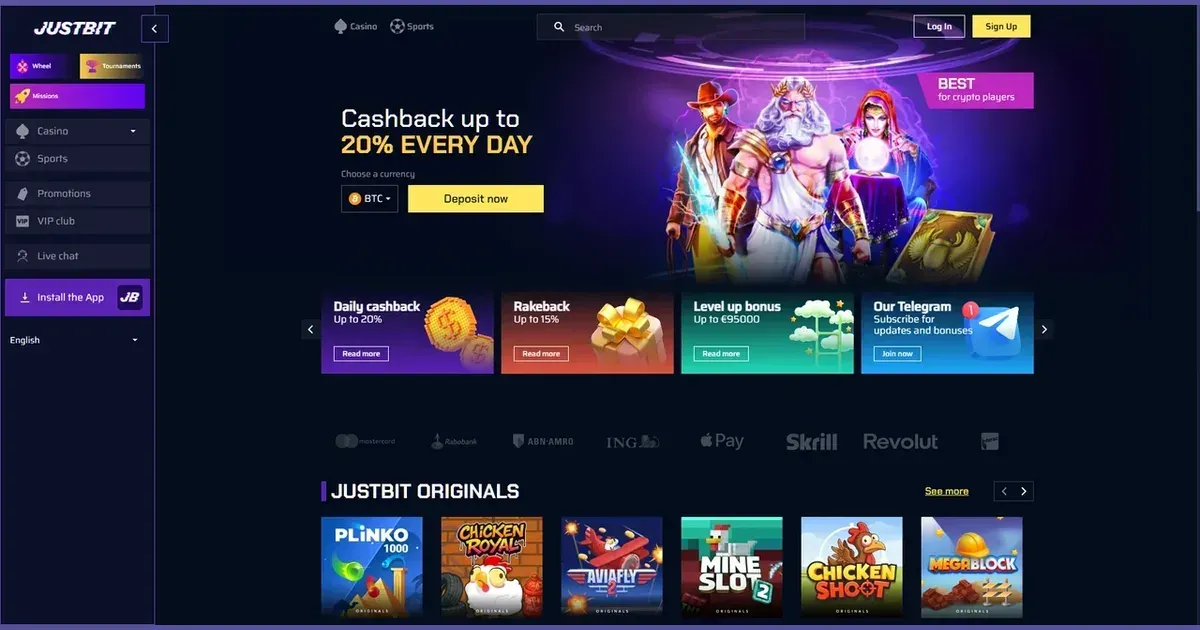
Your account lives at Justbit, and only the operator can verify, restore or unblock it. This page explains how signing in works, what to do when it fails, and where to turn for help.
Signing in at this operator
- Open the operator's site in your browser.
- Look for the sign-in button and click it.
- Enter the email address and password you chose at registration.
- Confirm to reach your account.
No account yet? Registration happens at the operator too.
What you need to hand
The email address on file and the password set when you registered. Nothing else is required for a standard login. If verification is pending, you may be asked to upload a government-issued ID and a recent utility bill before withdrawal — see the account restrictions section below.
Reaching your account from a phone
The operator's site works in a mobile browser, using the same credentials as on desktop. Justbit also offers a dedicated mobile application for iOS and Android devices; players can download an APK or add a web app directly to their home screen for optimised access.
When it does not work
A handful of causes explain most failures:
- Wrong credentials: Check the email and password carefully. Caps Lock changes what you type.
- Unverified account: Verification is mandatory before any funds can be withdrawn from a promotional balance, and is required for most standard withdrawal requests. Check your inbox for instructions.
- Browser session problem: Clear cookies and cache, or try a different browser.
- Self-exclusion in force: An account closed under self-exclusion cannot be reopened before the period ends. Contact support for the status, and see the responsible-play section below for help.
The recovery path
Forgotten passwords are reset through the operator. Use the password-recovery link on the sign-in screen, enter the email address used at registration, and follow the link sent to that inbox. If the email address is no longer reachable, contact support with proof of identity — the operator decides whether an address can be updated.
Account restrictions
Accounts are held or blocked for specific reasons. The table below lists the common causes and what happens in each case.
| Cause | What happens |
|---|---|
| Verification pending | Withdrawals are held until a clear copy of a government-issued ID or passport, and a recent utility bill, are uploaded and approved. Standard verification takes less than 24 hours. |
| Suspected fraud or breach of house rules | Access may be restricted while the operator investigates. Support will explain the next steps. |
| Self-exclusion | The account is closed for the chosen period — 24 hours up to 12 months or permanent. No login is possible until the period ends. |
| Cooling-off period | Access is blocked for 24 hours, one week or one month, as requested. |
Who to contact
Account problems go to the operator's support team. Justbit offers live chat and email, both available 24/7. Before writing, have ready: the email address on your account, the approximate time the problem started, and the exact message shown on screen. That information lets support respond on the first reply.
Keeping access safe
Sign in only at the operator's own address — typed or bookmarked, never through a link in an email or a message. Use a password that appears nowhere else. Sign out on a shared device. Justbit supports two-factor authentication (2FA) to enhance account security, and explicitly requires it to be active for any withdrawals exceeding the C$ 1,000 limit.
Gambling should be entertainment, not a chore. If it ever stops feeling that way, free and confidential support is available at BeGambleAware.org or by calling the National Gambling Helpline on 0808 8020 133 (free, 24/7). Self-exclusion tools let you close your account for a set period — from 24 hours up to 12 months or permanently. For national self-exclusion across all licensed sites, visit GamStop.
Access to this site is restricted to persons aged 18 and over (18+). We want your play to stay enjoyable — for free, confidential support, visit BeGambleAware.org.